
Is Your Website Accessible? A Plain-English ADA Guide
If your business is open to the public, the Americans with Disabilities Act (ADA) most likely applies to you, and the Justice Department has said for years that this includes your website. Here's what that means in plain English, and how to check your own site in 15 minutes.
Accessibility means people can use your website whether they see well or not, hear well or not, use a mouse or only a keyboard. A site that isn't accessible is also a legal risk, and not only for big companies. This guide explains both. It's general information, not legal advice.
Does the ADA apply to my website?
In 2022 the Justice Department published guidance on web accessibility. It says the ADA's requirements apply to all the goods and services a business open to the public offers, "including those offered on the web." The guidance is not a law itself, but it shows how the department reads the ADA.
What the law doesn't do is give you a technical checklist. The same guidance says the department "does not have a regulation setting out detailed standards," and that businesses can choose how to make their sites accessible, as long as they do it. No federal rule for business websites has been issued since, and none is on the department's current agenda.
Two things often cause confusion:
- The April 2026 deadline you may have read about comes from a separate rule for state and local governments, not private businesses. In April 2026 it was pushed back to April 2027, and smaller governments now have until April 2028. The National Federation of the Blind sued in May 2026 to undo the delay.
- Courts don't all agree on businesses that exist only online. Appeals courts covering California have said these businesses aren't covered by the ADA. Most federal judges in New York who have ruled on it say they are. If you also serve customers in person, it's safest to treat your website as covered.
How often are businesses sued over their websites?
Often. After two years of decline, the number rose again in 2025. Seyfarth Shaw, a law firm that defends businesses in these cases, counted 3,117 website accessibility lawsuits in federal courts that year, up 27% from 2024. New York (1,021) and Florida (961) had the most. California cases mostly go to state courts, so most of them don't show up in that count.
Small businesses are not too small to be sued. UsableNet, a company that sells accessibility services, also counts some state court cases and cases about apps and videos. It found that 64% of the 2025 cases it counted were against companies with less than $25 million in yearly revenue.
Under the federal ADA, private plaintiffs can't win money damages. The Justice Department said so in a 2026 court filing. But a lawsuit can still cost you legal fees and force you to fix your site. Some state laws, like California's, do allow money damages.
What the accessibility guidelines ask for, in plain English
The Web Content Accessibility Guidelines, or WCAG, are written by the World Wide Web Consortium. The current version, WCAG 2.2, came out in 2023. It adds to version 2.1 rather than replacing it, and it is also an international ISO standard. The rule for state and local governments uses WCAG 2.1 Level AA, the middle of three levels. No federal rule requires this for business websites, but it is a sensible target. The guidelines are built on four ideas:
- People can perceive it: images have text descriptions, videos have captions, and text has enough contrast to read.
- People can operate it: everything works with a keyboard, nothing flashes, and people have enough time to finish a form.
- People can understand it: clear words, predictable menus, and forms that explain mistakes.
- It works with assistive technology: screen readers can tell what each button, link and field is.
The six most common problems
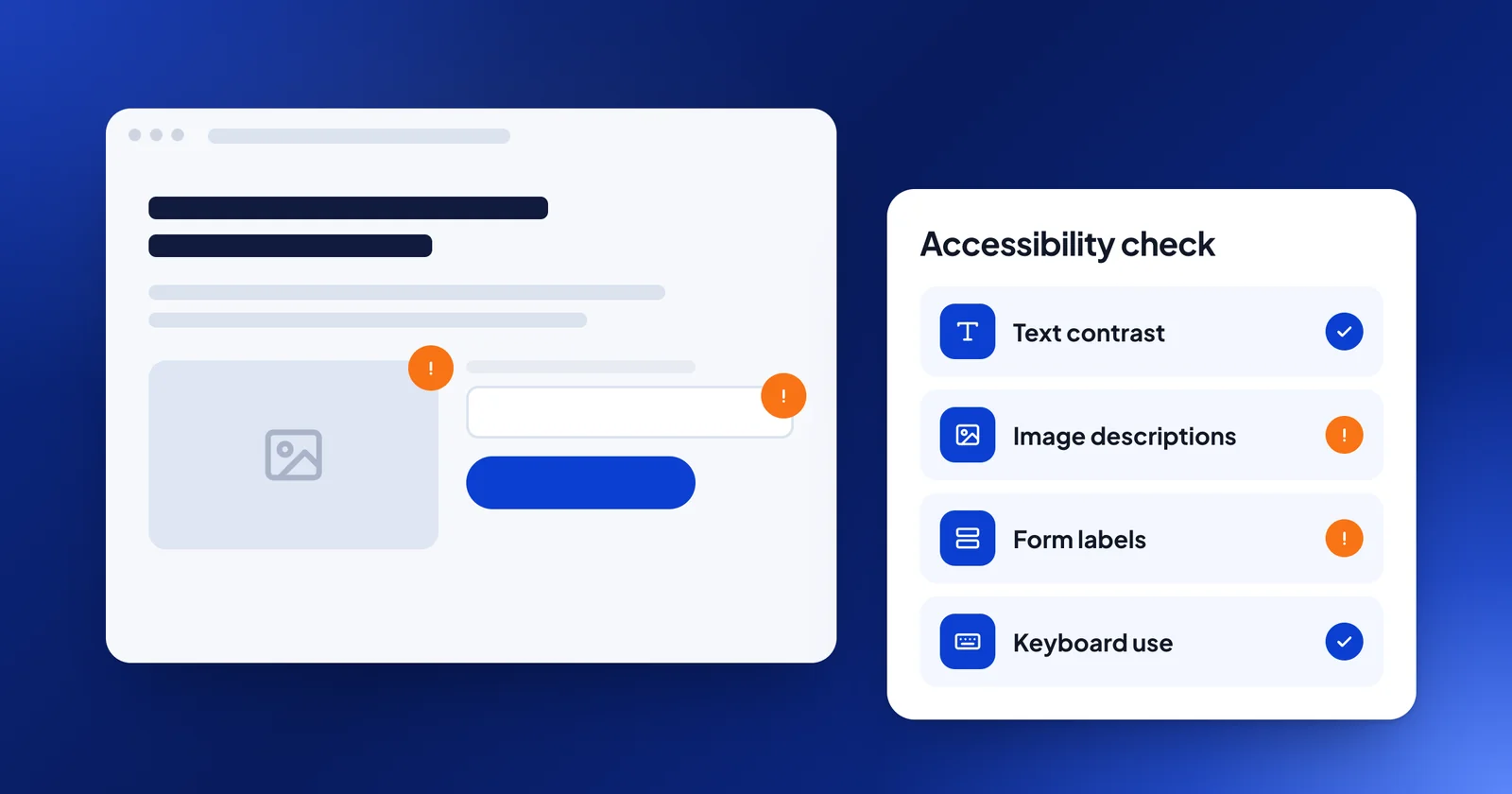
Every year WebAIM, an accessibility organization, scans the home pages of the top one million websites. In February 2026 it found automatically detectable errors on 95.9% of them, an average of 56 per page. This is a count of detected errors, not a legal finding. It shows that the same few mistakes are everywhere. Six types made up 96% of all the errors it found:
1. Text that's hard to read against its background (83.9% of home pages)
Light gray text on white, or white text on a pale photo, is hard to read for many people, especially on a phone in sunlight. The fix is darker text or a stronger background.
2. Images without descriptions (53.1%)
Screen readers read an image's "alt text" out loud. Without it, a blind visitor hears nothing, or a file name like "IMG_2041.jpg." Describe what the image shows and why it matters. Purely decorative images can be marked as decorative.
3. Form fields without labels (51%)
If a field only has gray placeholder text inside it, a screen reader may not announce what to type, and the hint disappears once you start typing. Every field needs a label.
4. Links that say nothing (46.3%)
A linked icon with no text, or a logo link with no description, tells a screen reader user nothing. Every link needs words that say where it goes.
5. Buttons with no name (30.6%)
A button that's just a symbol, like a magnifying glass or an arrow, needs a hidden text name such as "Search" or "Next."
6. A missing page language (13.5%)
Screen readers use the page's language setting to pronounce words correctly. It's a one-line fix in the page's code or site settings.
Automated scans can't catch everything. Two other problems are common too: menus that only work with a mouse, and a hidden focus outline (the box that shows where you are when you press Tab). You'll only find these by trying.
A 15-minute self-check
- Put your mouse away. Press Tab to move through your homepage. Can you see where you are at every step? Can you open the menu, reach the contact form and send it?
- Zoom to 200%. Does the text still fit, without sideways scrolling or overlapping?
- Check your contrast. Paste your text and background colors into the free WebAIM Contrast Checker. WCAG Level AA asks for a ratio of at least 4.5 to 1 for normal text, and 3 to 1 for large text.
- Run a free scan. Run your homepage through the free WAVE tool from WebAIM. It flags missing alt text, empty links and missing labels.
- Read your form. Does every field have a visible label? Do error messages say what went wrong?
- Watch your videos with the sound off. Are there captions?
A person still needs to check things like whether alt text actually describes the image and whether the order of the page makes sense.
What about accessibility widgets?
You may have been offered a plug-in or "overlay" that promises to make your site compliant with one line of code. Be careful. In 2025 the Federal Trade Commission approved an order that requires accessiBe, a well-known overlay company, to pay $1 million. The FTC's complaint said accessiBe's claims that its tool could make any website compliant were "false, misleading, or unsubstantiated."
Overlays don't fix the underlying code, and they don't stop lawsuits. EcomBack, a firm that sells accessibility fixes, counted 983 lawsuits in 2025 against websites that were already using an accessibility widget, about a quarter of the cases it tracked. Fixing the site itself is what helps.
What to do next
- Fix the common problems first. Contrast, alt text, form labels, and link and button names made up most of the errors WebAIM found. Then check keyboard use by hand.
- Add an accessibility page. Say that you're working on it and give people an email or phone number to reach you if something doesn't work for them.
- Keep a record. Note what you checked, what you fixed and when.
- Talk to a lawyer if you receive a demand letter (a lawyer's letter asking for money or changes) or a lawsuit. Don't ignore it, and don't rely on a website vendor for legal advice.
How we can help
Our Website & Marketing Audit includes an accessibility check of your key pages: contrast, image descriptions, headings, keyboard use and form labels. Each problem we find goes on your list of fixes, with how to fix it. Alex, who runs the check, is a Wix Certified Accessibility Specialist. We don't give legal advice, and no audit can promise that a site meets the ADA. We can show you what to fix, and if you want our help, we quote the fixes before any work starts. The audit is $250, taken off any website or software project you start within 30 days of paying for the audit.



Want us to look at your website?
Send it over. Within one business day, Alex, Alesia or Dima will reply with the three things we'd fix first. Free, no call needed.
Send us your website